?
“How do I add someone to my workspace?”
1Invite a teammate
An answer they can follow.
Turn a repeated question into a guide customers can revisit.
Customer supportVisual step-by-step guides
Turn browser workflows into visual guides and interactive walkthroughs your customers and teammates can follow.
One workflow · Three clear steps
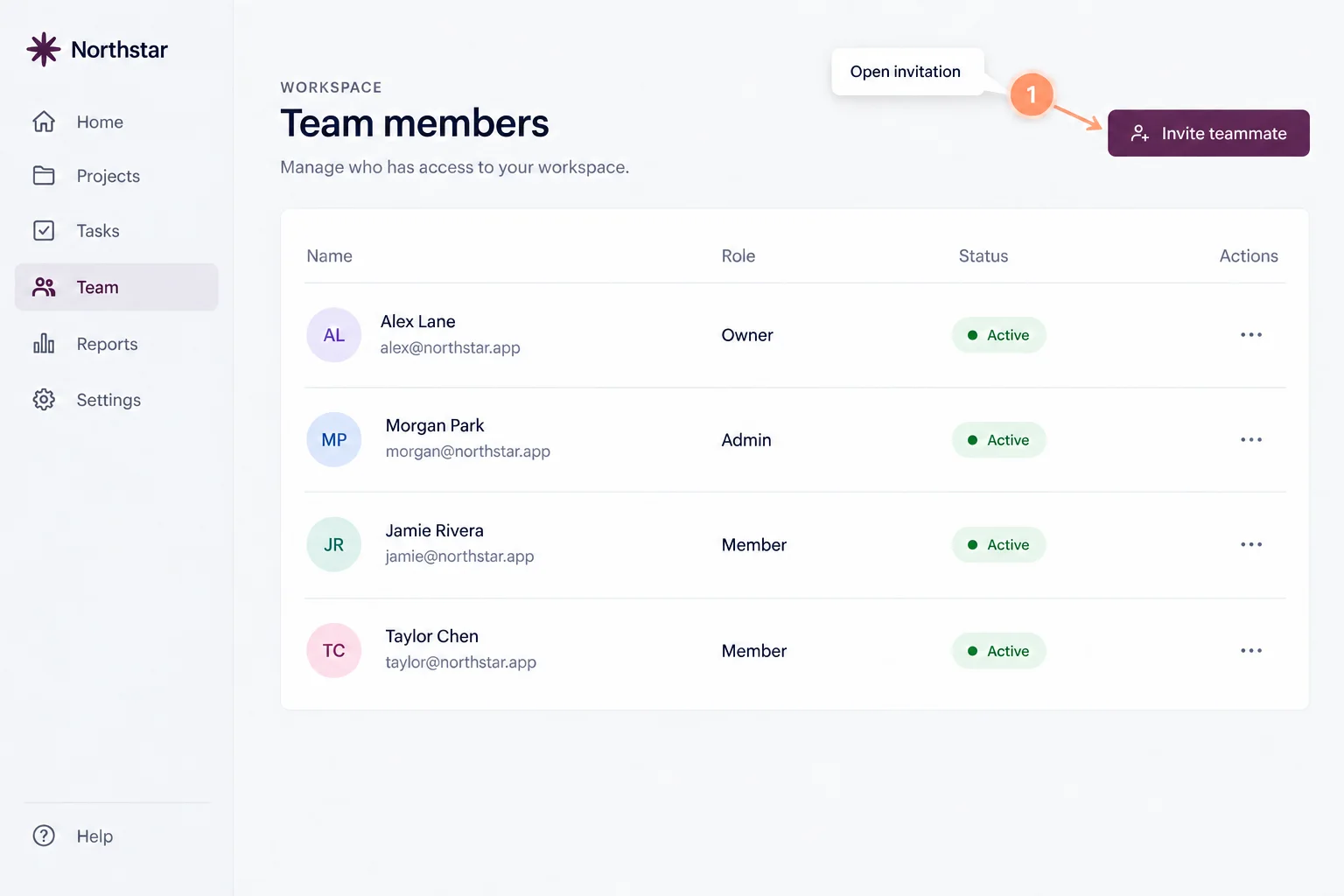
Interactive example
Click through the steps
Team members
From the team members page, open the invitation dialog.
Step 1 of 3
All instructions are visible. Choose a step to see its example screen. No real invitation was sent. This example does not change a workspace.
How it works
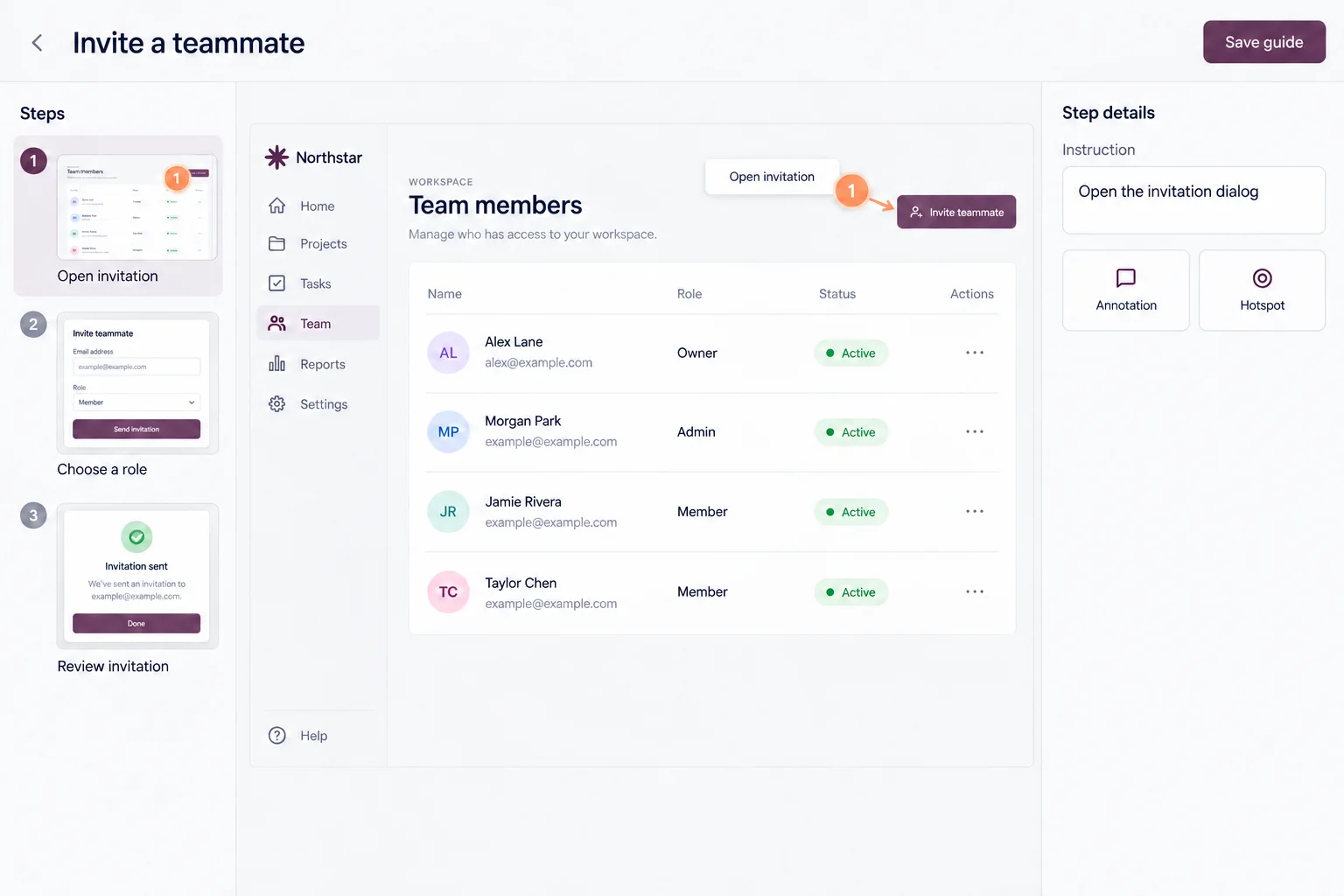
Capture a browser workflow as you go.
Refine instructions and highlight the important details.
Share a link or embed your guide beside existing help.
Who it’s for
“How do I add someone to my workspace?”
Turn a repeated question into a guide customers can revisit.
Customer supportNew teammate · First week
Give teammates a reference for recurring software tasks, beyond their first session.
Team trainingShare and reuse
Share a link, embed a guide, or export a document.
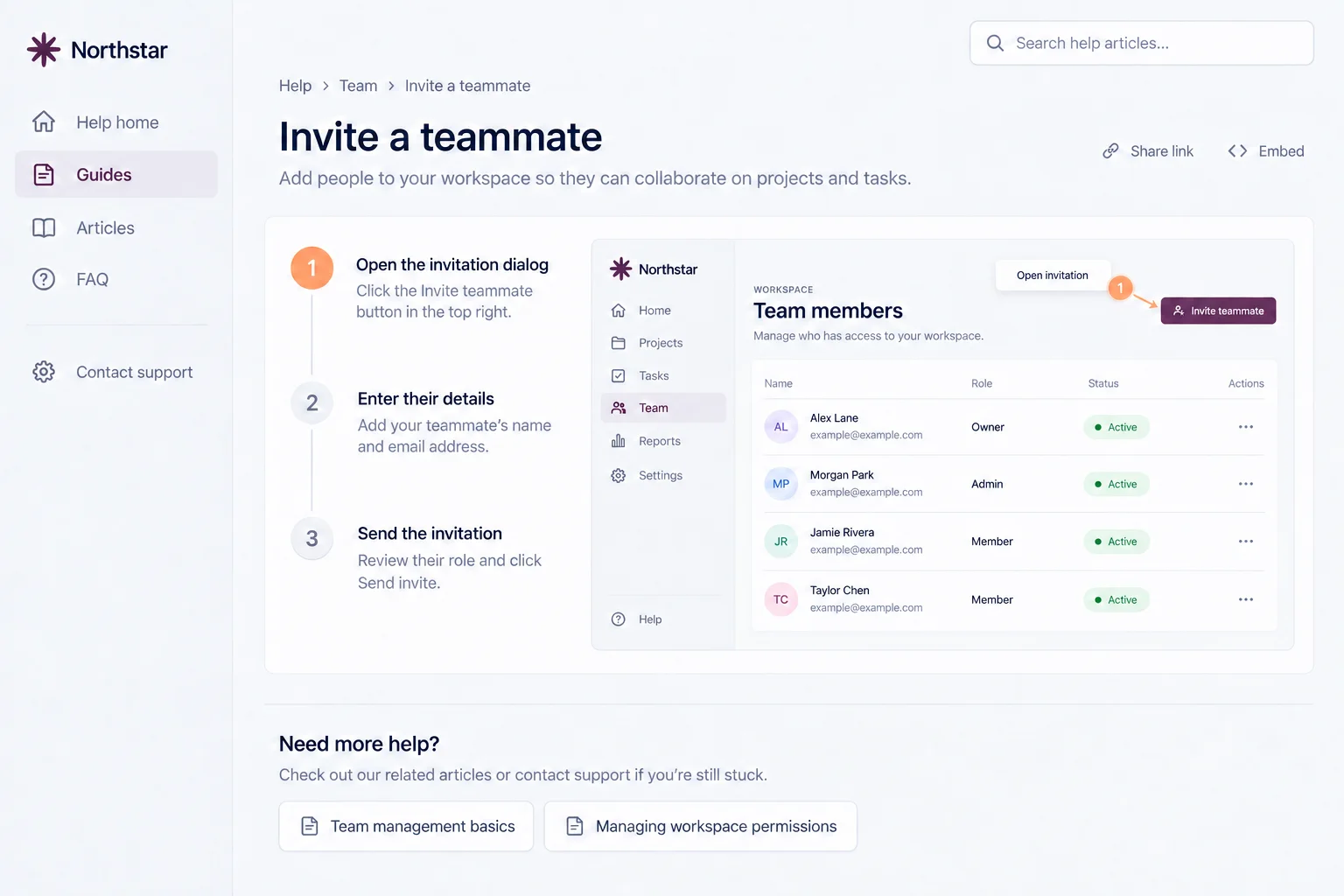
Product
Translate guides into 35 languages and narrate each step with natural AI voices.
Translation & voiceoverPublish guides in a branded help center with search and an AI assistant.
Help CenterRewrite steps, draft summaries and FAQs, and use your own AI keys.
AI & integrationsSingle sign-on, per-guide sharing controls and automatic redaction.
SecurityMade for everyday tasks
A three-step workspace task for support and onboarding.
View example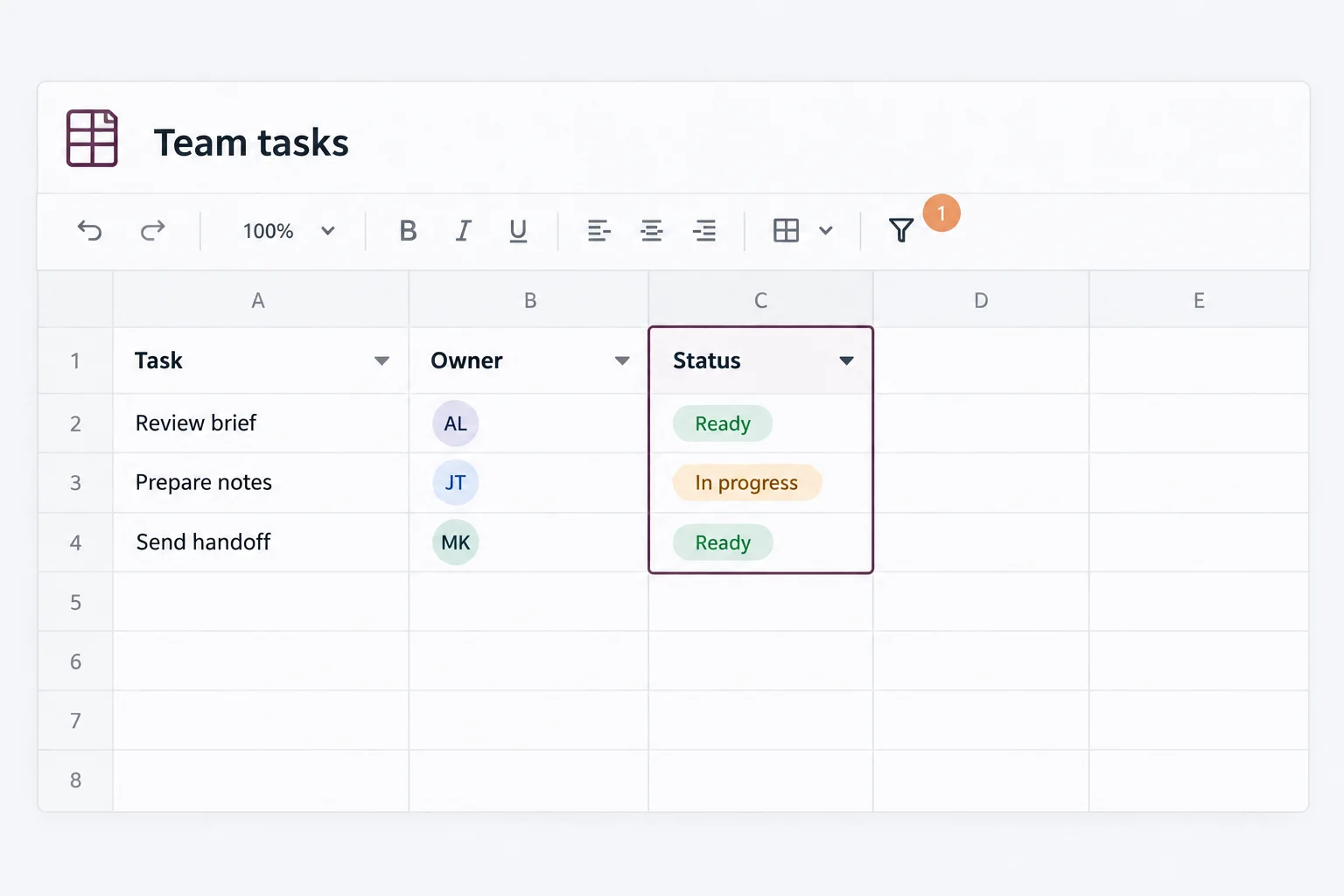
Explain a repeatable spreadsheet task.
Concept preview · No walkthrough yet
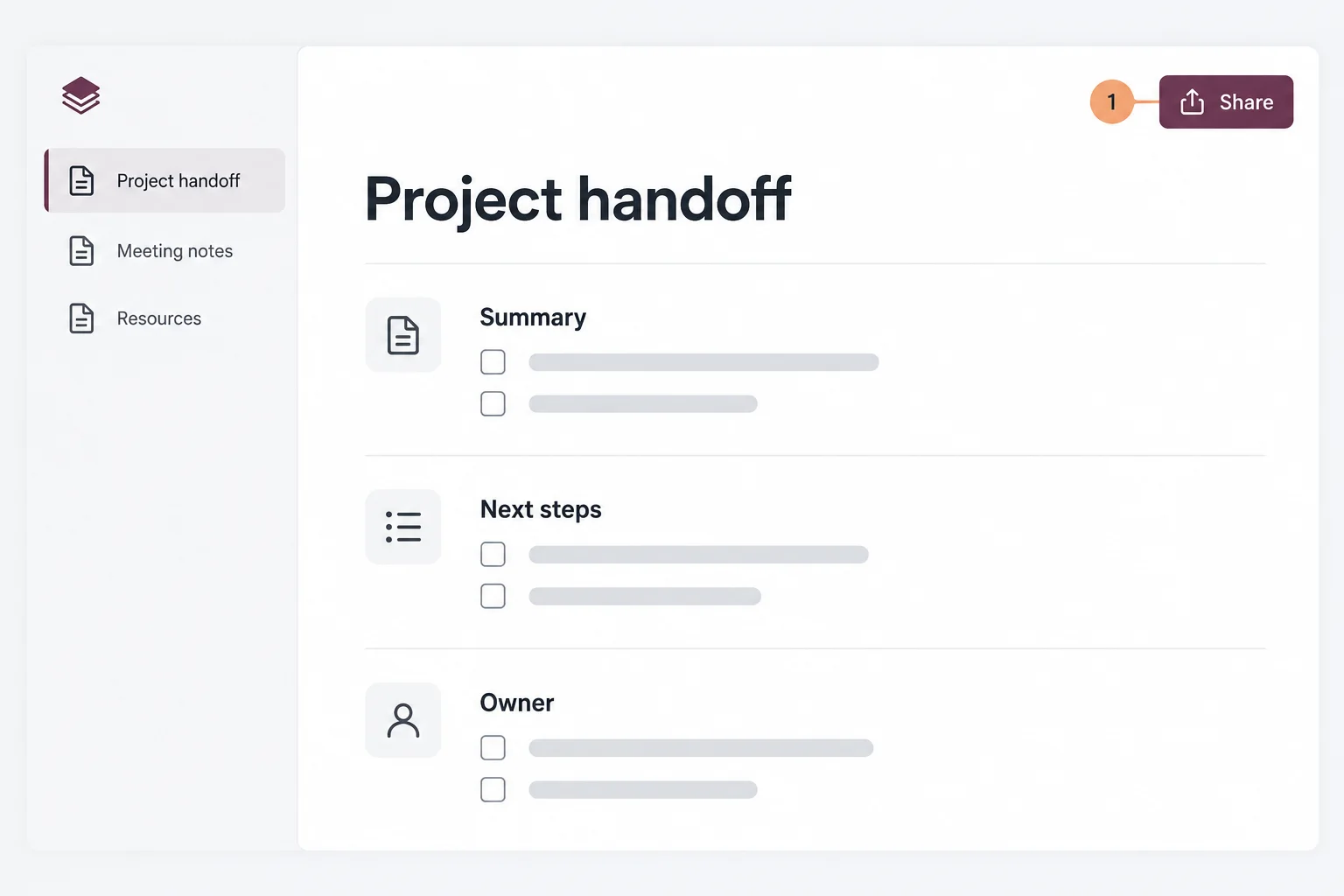
Make a recurring handoff easy to follow.
Concept preview · No walkthrough yet
Good to know
Start with one workflow people need to follow.